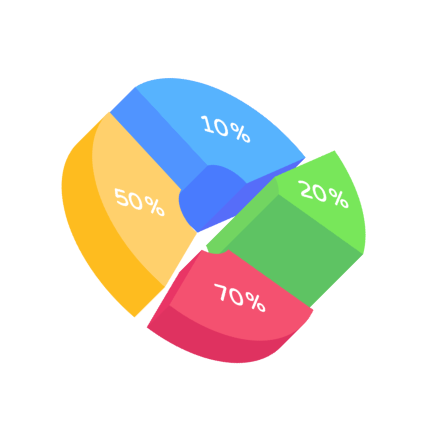
A step-by-step guide for creating a Donut Chart through Fibodash Editor:
Identify two datasets to compare, ensuring they are aligned by a common category (e.g., age groups or regions).
Upload or manually enter your datasets. Fibodash automatically aligns and visualizes the information.
Adjust labels, colors, and axis scales for clarity. Ensure your chart highlights key comparisons effectively.
In the dynamic world of data visualization, Fibodash stands out as a game-changer, offering unparalleled tools for creating divergent charts and graphs. If you’re looking to craft diverging bar charts, diverging bar graphs, or diverging bar chart horizontal, Fibodash provides the precision and flexibility you need.
Whether you’re building a Sentiment Analysis Bar Chart, a Positive vs. Negative Value Bar Chart, or a Split Axis Bar Graph, Fibodash offers intuitive features to simplify the process. From a Split Bar Chart to a Two-Sided Bar Graph, the platform allows users to create custom visualizations that reveal hidden insights with ease. Fibodash also supports the creation of Deviation Bar Charts and Bipolar Bar Charts, enabling you to present balanced comparisons and highlight data deviations effectively.
Dive into a realm where data comes to life, making complex information not only accessible but also visually compelling. Transform your data storytelling with Fibodash and see the difference that innovative visualization can make!
Fibodash Editor transformed how we present data. The AI-powered insights and seamless interactive editor make complex visualizations effortless and dynamic. It was like having a data scientist and a designer in one tool!
Explore our insightful blog posts
All Rights Reserved. © 2026 by Fibodash.